

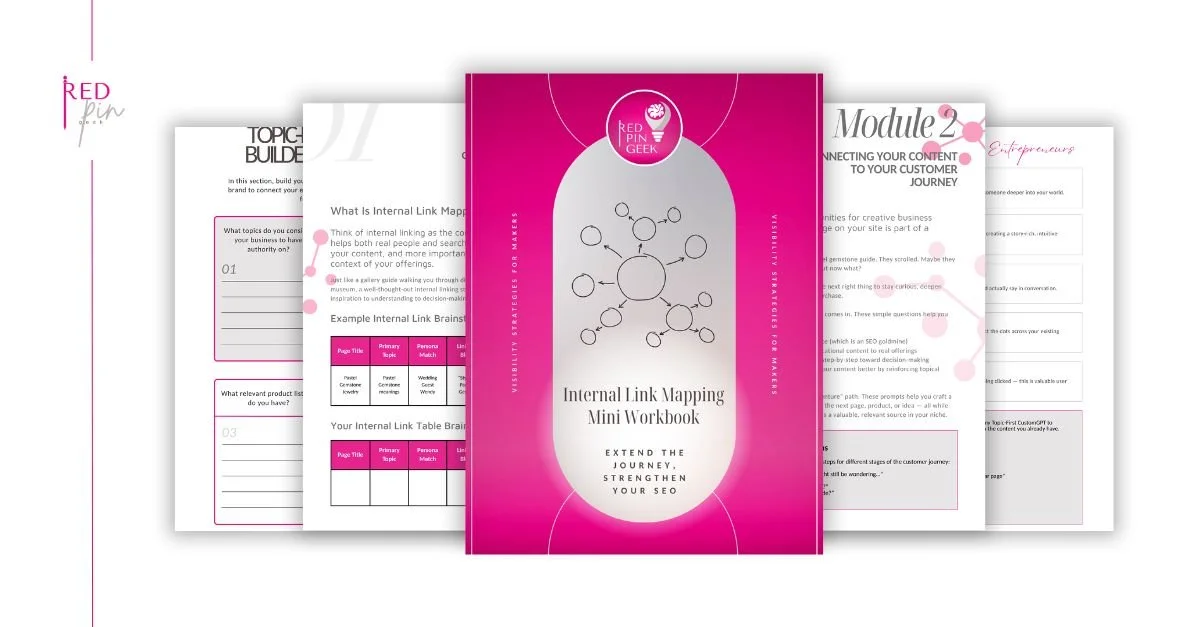
Internal Link Mapping Mini Workbook
Running a creative business doesn’t leave much room for marketing guesswork.
You’ve already poured hours into blog posts, collection pages, and product descriptions. But if your content is scattered, unlinked, and hard to navigate, both buyers and search engines will get lost.
That’s why I created this mini workbook: To help you finally connect the dots on your site, using the content you already have.
What You’ll Be Able to Do (In 5 Easy Steps)
This isn’t just about SEO. It’s about:
Helping buyers actually find your best work
Building trust and authority (without writing more content)
Sending clear signals to Google and AI tools
Turning scattered content into a system that works together
Reusing what you already have, without tech overwhelm
Each page walks you through one small, high-impact fix, with space to map it out as you go. You can finish it in a single focused hour, or tackle it step-by-step over five days.
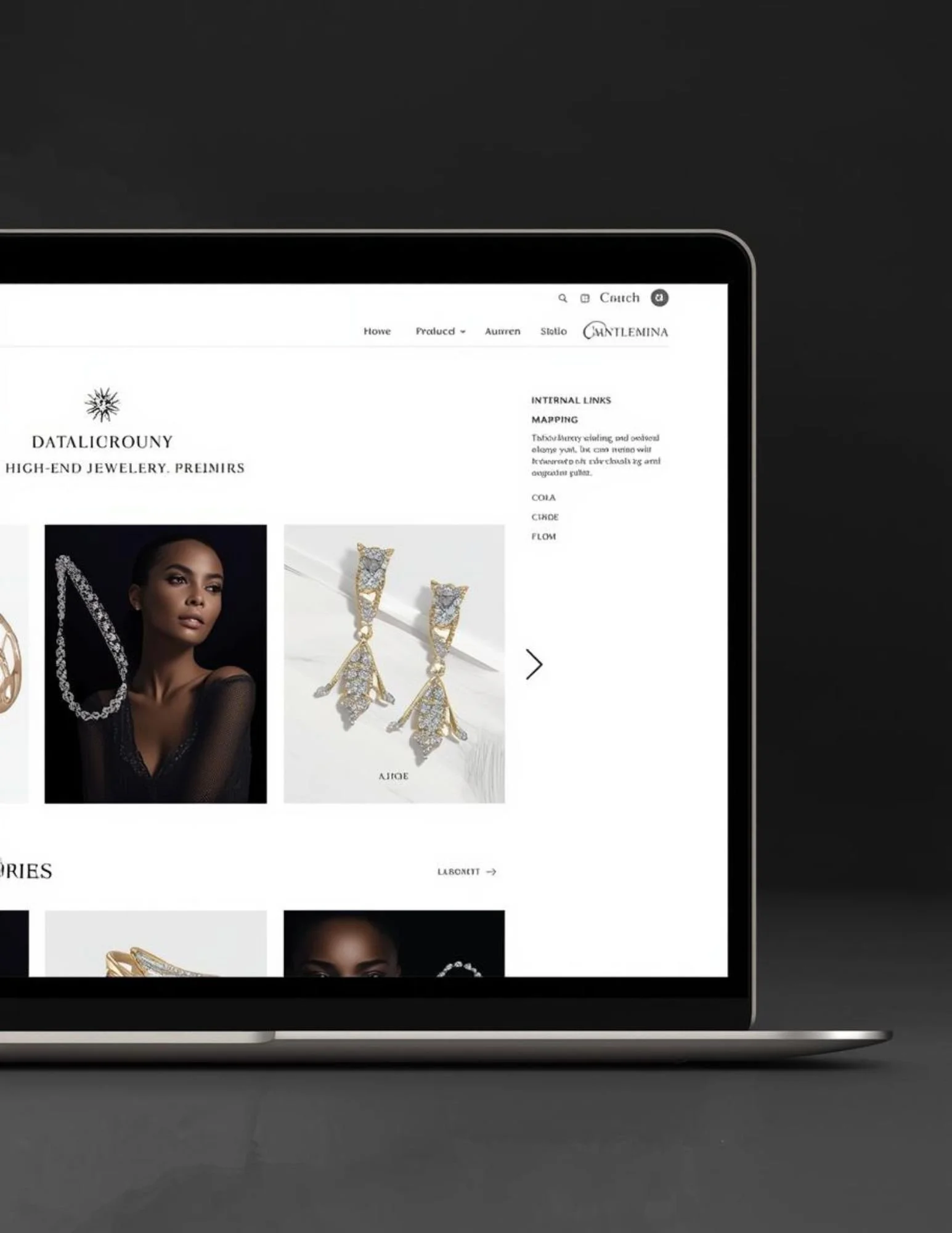
Introducing: The Internal Link Mapping Mini Workbook
Internal linking is simply the practice of connecting your own pages to each other with clickable links, like guiding signs inside your website. For an independent jewelry designer, it’s one of the easiest ways to help both visitors and Google understand, explore, and fall in love with more of your work.
No jargon. No tech-heavy hurdles. Just a clear path for visitors and bots.
What’s Inside the Checklist?

Map Your Pillar Pages to Other Relevant to Keep Exploring
Not sure what a pillar page is or whether you have one? No worries. I’ll show you how to identify or create simple “anchor points” in your site that keep visitors exploring.

Unbury Your Best Content So It’s Seen By Visitors
You’ll learn how to surface your most valuable content, the pieces that deserve more attention, and connect them in a way that makes sense to humans and search engines.

Create Link Loops That Keep People Browsing On Your Site
You’ll discover how to use internal links to gently guide buyers from one helpful piece of content to the next, increasing time on site and boosting visibility.

Make AI & SEO Understand What You’re Known For
With smart (but simple) linking, you’ll help AI tools and search engines recognize your authority in your niche, to improve your chances of showing up in searches.

Use the Included Template to Repeat Anytime You Need
The final page gives you a reusable template you can apply any time you create a new blog post, collection, or guide, so your content stays connected by design.
Who This Is For
This mini workbook is perfect for:
Jewelry designers, makers, and creative business owners
Solopreneurs who need wins without tech overwhelm
DIY marketers who want visibility without guessing
Content creators with blogs or product education pages
Anyone looking to grow visibility without creating from scratch
You’ll Also Get a 5‑Day Welcome Email Series
Each email includes:
• A friendly walkthrough of each workbook page
• One simple task to complete with a quick win
• A tip to help you build SEO habits without getting overwhelmed
• A bonus resource or tool to go deeper (if you want to)

Bonus: Want to Automate This?
If you’re ready to take this further…You’ll get an invite to my premium Substack, where you’ll unlock access to the:
Topic-First CustomGPT
A private tool that uses the same method as the workbook, but lets you generate a complete internal link map from the content you already have.
No tech skills needed. Just type what you’ve got, and it shows you how to connect it.